
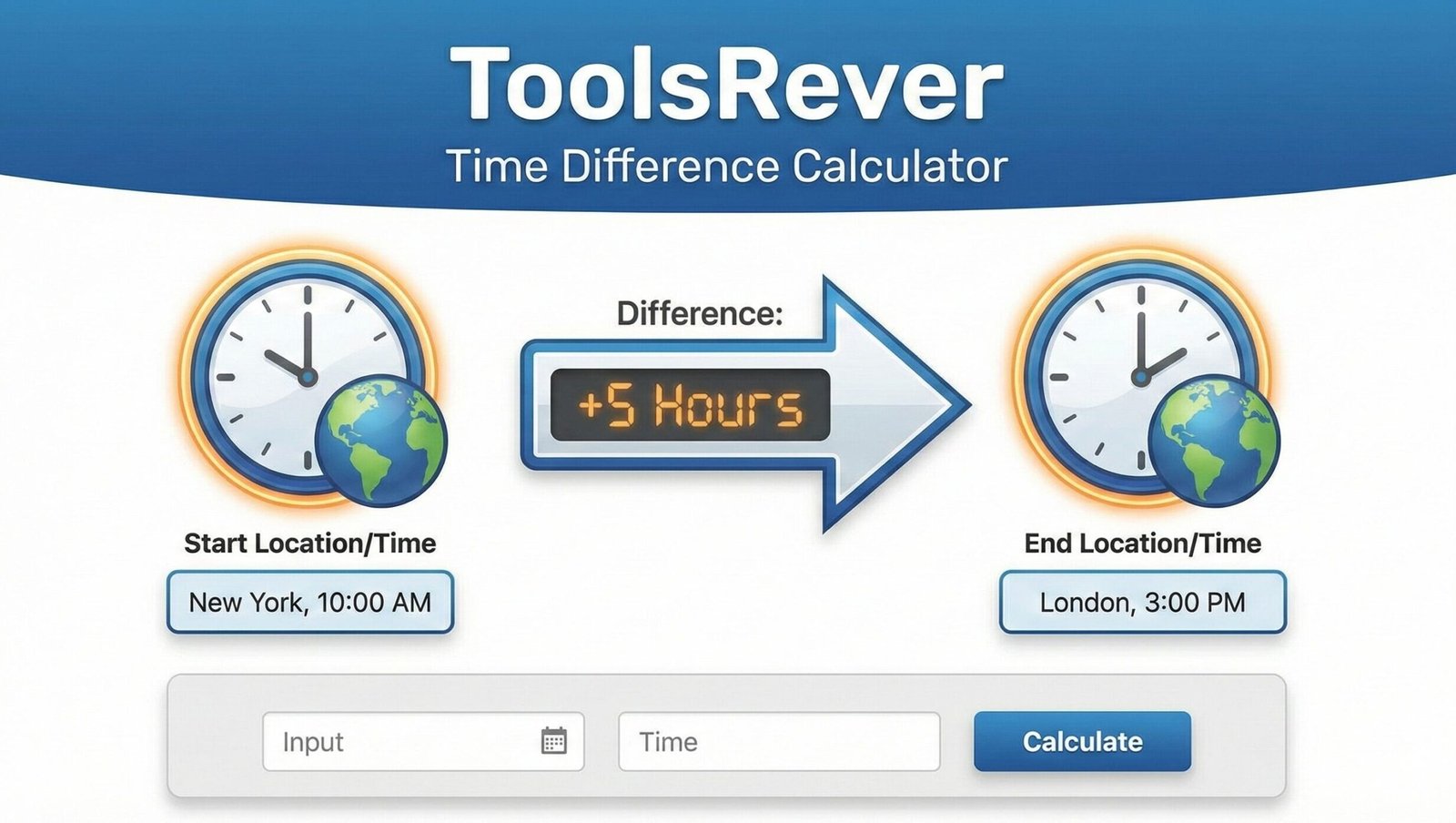
Time Difference Calculator
Calculate exact duration between two dates
Time Difference Calculator: Find Duration Between Dates
Calculate the exact time difference between two dates, time zones, or specific times. Our free calculator is perfect for project planning, billing, and global teams.
Time Difference Calculator: Precisely Measure Time Intervals and Durations
Have you ever needed to calculate the exact number of hours between two timestamps for a work log, or wondered what time it will be in Tokyo when your New York meeting starts? Manually counting hours and minutes across different dates and time zones is a tedious, error-prone process that can lead to missed deadlines, billing inaccuracies, and scheduling mishaps.
This is where a Time Difference Calculator becomes an indispensable tool for professionals, travelers, project managers, and anyone who works with time-sensitive data. A Time Difference Calculator is an online utility that automatically computes the precise duration between two points in time, accounting for different time zones, dates, and even daylight saving changes. By using a Time Difference Calculator, you can eliminate guesswork, ensure absolute accuracy, and manage your time with newfound efficiency and confidence.
What is a Time Difference Calculator and How Does It Work?
A Time Difference Calculator is a sophisticated digital tool designed to answer one fundamental question: “How much time has passed between point A and point B?” It goes far beyond simple mental math by handling the complex rules of the modern calendar and global timekeeping.
At its core, the tool operates on a simple principle: it converts two user-provided dates and times into a universal numerical format (like Unix timestamps), subtracts the earlier time from the later one, and then converts the resulting number back into a human-readable format of years, months, days, hours, and minutes.
Our Time Difference Calculator automates this entire process. You simply input your start and end times, and the tool instantly provides a detailed breakdown, saving you from the frustration of manual calculation and potential errors.
The Hidden Complexity of Time: Why Manual Calculation Fails
Manually calculating time differences seems straightforward until you encounter real-world complications. Our tool is built to handle these exact challenges seamlessly.
Crossing Daylight Saving Time (DST) Boundaries
Many regions adjust their clocks forward in spring and back in autumn. If your time period crosses a DST change, the time difference can be off by an hour if calculated manually. A smart calculator automatically accounts for these shifts.
Accounting for Different Month Lengths
Calculating a difference that spans from January 28th to March 1st involves navigating the varying days in February (28 or 29). Our tool knows the rules of the Gregorian calendar, including leap years, ensuring accuracy across any date range.
Navigating Multiple Time Zones
When coordinating across global teams, calculating “2 PM EST to 2 PM GMT” requires knowing the current offset between the zones, which can change with DST. The calculator handles this conversion internally, providing the exact duration.
How to Use Our Time Difference Calculator: A Step-by-Step Guide
Our tool is designed for simplicity and power. Follow these steps to get accurate results in seconds.
Step 1: Enter the Start Date and Time
Locate the “Start Time” field. Use the date picker and time selector to input the beginning of your timeframe. You can also type it in a standard format like 2024-05-31 14:30.
Step 2: Enter the End Date and Time
Similarly, input the later date and time in the “End Time” field. Ensure this time is after your start time for a positive duration.
Step 3: Select the Relevant Time Zones (If Applicable)
If your two times are from different parts of the world, use the time zone dropdown menus to select the correct zones for each (e.g., “EST” for New York, “JST” for Tokyo). If both times are in the same zone, you can leave this as the default.
Step 4: Click “Calculate Difference”
With one click, our tool processes all the data.
Step 5: Analyze the Detailed Results
The tool will display the total difference in multiple formats, such as:
- Total Days: 5 days
- Total Hours: 132 hours
- Breakdown: 5 days, 12 hours, 30 minutes, and 15 seconds
This multi-format output ensures you have the information you need in the most useful way.
Just as a Time Difference Calculator brings clarity to your schedule, ensuring your visual content is perfectly sized brings clarity to your presentations. For that, you can use our Image Resizer tool.
Key Features of a Powerful Time Difference Calculator
Not all calculators are created equal. A robust tool, like the one we provide, offers features that handle real-world complexity.
Multi-Format Time Input
A good calculator accepts times in various formats, including:
- Calendar date pickers
- Typed entries (e.g., “31/05/2024 2:30 PM”)
- Preset options like “Now” or “Today”
Flexible Time Zone Support
It should include a comprehensive database of global time zones, including their standard and daylight saving variants.
Detailed Result Breakdown
The most useful tools don’t just give a total. They break down the difference into years, months, weeks, days, hours, minutes, and seconds, providing maximum utility for different use cases.
“Time Ago” and “Time Until” Functionality
Some advanced calculators can also tell you how long ago a past event occurred or how much time remains until a future event, which is perfect for countdowns or historical records.
Practical Applications: Who Needs This Tool and Why?
The ability to calculate time differences accurately is critical across numerous professions and personal scenarios.
For Freelancers and Consultants: Accurate Time Tracking and Billing
If you bill clients by the hour, precise time logging is directly tied to your revenue. A Time Difference Calculator ensures your invoices are accurate down to the minute, building trust and preventing disputes.
Example: You started a task at 9:15 AM and finished at 11:45 AM. The calculator instantly confirms a duration of 2 hours and 30 minutes for your timesheet.
For Project Managers: Monitoring Project Timelines
Keeping a project on schedule requires understanding the exact duration of tasks and the time between milestones.
Example: If Task A is due on June 10th and Task B is due on June 25th, the calculator shows you have 15 full days to complete the work, helping you allocate resources effectively.
For Global Teams and Businesses: Scheduling Across Borders
Coordinating meetings across time zones is a daily challenge. A Time Difference Calculator helps you find overlapping business hours, ensuring you don’t schedule a call when your colleague is asleep.
Example: Your team is in London (BST) and San Francisco (PDT). A 3 PM BST meeting starts at 7 AM PDT the same day. The calculator confirms the 8-hour difference and the local times for all participants.
For Travelers and Expats: Planning and Communication
When traveling or living abroad, you need to know the best time to call friends and family back home without waking them up.
For Legal and Compliance Officers: Meeting Deadlines
In legal contexts, missing a filing deadline by even minutes can have severe consequences. A calculator provides certainty for critical time-sensitive submissions.
Case Study: How a Marketing Agency Saved 20 Hours per Month
A mid-sized digital marketing agency with clients in the US, Europe, and Australia struggled with scheduling weekly performance review calls. The project managers would spend 15-20 minutes per meeting manually calculating time zones and sending calendar invites, often leading to errors that required rescheduling.
After integrating our Time Difference Calculator into their workflow, they standardized the process. The tool provided instant, verifiable time conversions, which were directly copied into meeting invitations.
The Result:
- Elimination of scheduling errors and missed meetings.
- A savings of approximately 5 hours per project manager per week.
- Improved client satisfaction due to reliable, punctual meeting starts.
- An estimated total time saving of over 20 hours per month across the team.
Understanding the Science of Timekeeping
Modern time calculation relies on a global standard called Coordinated Universal Time (UTC), which is the primary time standard by which the world regulates clocks and time. It is, for most purposes, equivalent to Greenwich Mean Time (GMT).
Time zones are defined as offsets from UTC. For example, EST is UTC-5, while IST (India Standard Time) is UTC+5:30. The International Earth Rotation and Reference Systems Service (IERS) is the body responsible for maintaining global time standards, including the decision to add leap seconds when necessary to account for irregularities in the Earth’s rotation. A sophisticated Time Difference Calculator is built on this authoritative global framework.
Frequently Asked Questions (FAQ)
Can I calculate the time difference between more than two time zones at once?
How does the calculator handle daylight saving time changes?
Is the time difference calculation affected by leap years and leap seconds?
Conclusion: Master Your Time with Precision and Ease
In a world where time is our most valuable and finite resource, managing it with precision is no longer a luxury—it’s a necessity. A Time Difference Calculator is more than a simple utility; it is a professional instrument that brings accuracy, efficiency, and clarity to your scheduling, planning, and record-keeping. It empowers you to navigate the complexities of our global, 24/7 world with confidence, ensuring you never lose another minute to manual calculation errors.
Stop wrestling with time zone conversions and complex calendar math. Embrace the power of instant, accurate results. Ready to take control of your time? Use our free, powerful Time Difference Calculator tool now and transform the way you plan, schedule, and track time forever!
Time zones are calculated using the latest IANA Time Zone Database standards.