
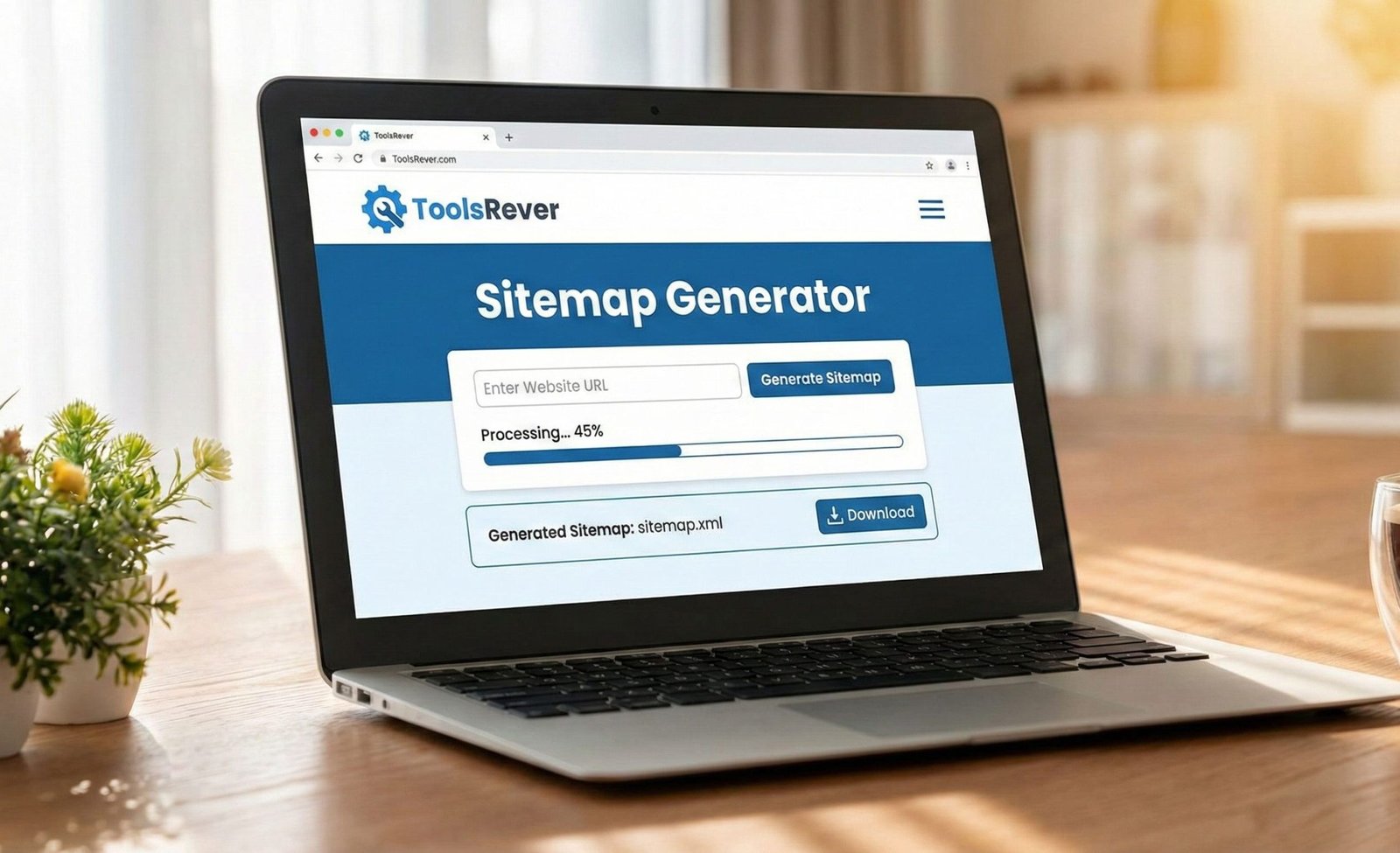
Sitemap Generator
Create an XML sitemap for your website to help search engines discover and crawl your pages more efficiently. A well-structured sitemap improves your website’s visibility in search results and ensures all important pages are indexed.
How to use: Enter your website URL and add individual pages you want to include in the sitemap. Configure the frequency and priority settings for each URL, then click “Generate Sitemap” to create your XML sitemap file.
Note: For large websites, you should consider using a dedicated sitemap generation tool or CMS plugin that can automatically discover all your pages.
Your XML Sitemap:
Sitemap Generator: Create XML Sitemaps for SEO
Generate a free XML sitemap instantly! Our Sitemap Generator helps search engines crawl and index your website pages, boosting your SEO rankings.
Sitemap Generator: Your Essential Tool for SEO Visibility and Indexing
Have you ever published a new webpage, only to find that Google doesn’t seem to know it exists, even weeks later? In the vast, complex ecosystem of the internet, simply creating great content isn’t enough. You need a way to explicitly tell search engines about every page on your site. This is where an Sitemap Generator becomes non-negotiable, and a Sitemap Generator is the tool that creates it.
A Sitemap Generator is an online utility that automatically crawls your website or allows you to manually list URLs to create a structured XML file. This file acts as a roadmap for search engine bots, guiding them to all your important content and ensuring nothing gets missed during the crawling process. For any website owner, webmaster, or SEO professional, using a sitemap generator is a fundamental first step toward achieving maximum online visibility.
What is an Sitemap Generator? Your Website’s Directory for Search Engines
An XML Sitemap is a file, typically named sitemap.xml, that lists all the important URLs (pages, posts, images) on your website in a standardized format that search engines understand.
Think of it as a comprehensive directory or a table of contents for your entire site. While search engines like Google are skilled at discovering content through internal links, a sitemap ensures that:
- New pages are found quickly.
- Orphaned pages (pages with no internal links) are not overlooked.
- Complex sites with thousands of pages are fully indexed.
- Search engines understand the structure and hierarchy of your site.
According to Google’s own documentation, sitemaps are especially helpful for large, new, or poorly linked websites. Using our Sitemap Generator is the easiest way to create this critical file.
Why Your Website Absolutely Needs an Sitemap Generator
Ignoring your sitemap is like opening a store but forgetting to list it on Google Maps. Potential customers (and search engine crawlers) will have a much harder time finding you. The benefits are direct and impactful.
Faster Indexing of New Content
When you publish a new blog post or product page, you can submit your sitemap directly to Google Search Console. This acts as a direct ping, notifying their crawlers of the new content and significantly speeding up the time it takes for that page to appear in search results.
Comprehensive Coverage for Large Sites
Websites with extensive archives, such as e-commerce stores with thousands of products or news sites with decades of articles, are challenging for bots to crawl completely. A sitemap ensures that even deep, infrequently linked pages are discovered and considered for indexing.
Clarifying Site Structure and Priority
A sitemap can include additional metadata for each URL, such as:
- Last Modification Date: Tells Google when the page was last updated.
- Change Frequency: A hint about how often the page changes (e.g., daily, weekly, monthly).
- Priority: Indicates the relative importance of pages on your site (e.g., your homepage might be 1.0, while a legal page might be 0.2).
While these are considered “hints” rather than commands, they provide valuable context to search engine algorithms.
How Our Sitemap Generator Works: A Step-by-Step Guide
Our tool is designed to simplify a technically complex process into a few easy steps.
- Enter Your Website URL: Provide the root URL of your website (e.g.,
https://www.toolsriver.online). - Automatic Crawling (Optional): The generator will spider your site, following internal links to discover all accessible pages.
- Review and Select URLs: You will be presented with a list of discovered URLs. You can then deselect any pages you do not want in the sitemap (e.g., admin pages, tag pages).
- Generate the Sitemap: With one click, the tool compiles all the selected URLs into a perfectly formatted XML file.
- Download and Implement: Download the
sitemap.xmlfile and upload it to the root directory of your website (e.g.,www.toolsriver.online/sitemap.xml).
Key Features of a Powerful Sitemap Generator
A basic generator creates a list of URLs. A powerful tool, like the one we provide, offers features for precision and control.
1. Custom Crawl Depth and Limits
Control how deep the tool spiders your site and how many pages it crawls. This is essential for large sites or for generating a sitemap for a specific section.
2. Support for Image and Video Sitemaps
Modern SEO goes beyond web pages. Our generator can also create specialized sitemaps that list the images and videos on your site, helping them appear in Google Image and Video search results.
3. Priority and Change Frequency Settings
Easily set the default priority and change frequency for all URLs, with the ability to customize these values for individual pages directly within the tool.
4. Sitemap Generator Indexing for Large Sites
For very large websites (with 50,000+ URLs), a single sitemap file is not enough. Our tool can automatically split your sitemap into multiple files and create a master sitemap_index.xml file to organize them.
Just as a sitemap organizes your website for search engines, well-formatted images are crucial for users. For perfect visuals, use our Image Resizer tool.
How to Submit Your Sitemap to Google Search Console
Creating the sitemap is only half the battle. The next critical step is to tell Google about it.
- Verify Your Site: Ensure your website is verified in Google Search Console.
- Navigate to Sitemaps: In the left-hand menu, click on “Sitemaps.”
- Submit the URL: Enter the path to your sitemap file (e.g.,
sitemap.xml) and click “Submit.” - Monitor Status: Google will process your sitemap and report on its status, showing any errors encountered and the number of URLs submitted and indexed.
This process is the final link in the chain, directly connecting your sitemap to the world’s most powerful search engine.
Common Sitemap Generator Mistakes to Avoid
Even with a generator, errors can occur in implementation. Watch out for these common pitfalls:
- Including Noindex Pages: Never include URLs that have a
noindexmeta tag in your sitemap. This sends conflicting signals to Google. - Submitting Error Pages: Ensure your sitemap only contains valid URLs that return a
200 OKstatus code. Remove any 404 (Not Found) or 500 (Server Error) pages. - Forgiving to Update the Sitemap: Your sitemap should be a living document. Every time you significantly add or remove content from your site, you should regenerate and resubmit your sitemap.
- Including Low-Value Pages: While comprehensive, avoid cluttering your sitemap with low-value pages like duplicate tag pages, session IDs, or thank-you pages. Focus on your cornerstone content.
Advanced Sitemap Strategies for SEO Power Users
Once you’ve mastered the basics, you can leverage sitemaps for more advanced SEO tactics.
Creating Sitemaps for News Sites
Google News requires a specific News Sitemap. This allows you to highlight your latest articles for inclusion in Google News and the “Top Stories” carousel. Our generator can be configured to meet these specific requirements.
Using Sitemaps for International Targeting
If you have a multi-regional website with hreflang annotations, you can include these annotations directly within your sitemap. This provides a clear, centralized way to signal to Google the relationship between different language or regional versions of your pages.
Sitemaps for E-commerce Sites
For e-commerce, a sitemap is indispensable. It ensures all product pages, category pages, and even blog posts reviewing products are discovered. Given the constant inventory changes, an automatically updated sitemap is crucial for reflecting new products and removing out-of-stock items from the index.
Frequently Asked Questions (FAQs)
Does a sitemap guarantee that all my pages will be indexed?
How often should I update and resubmit my sitemap?
What is the difference between an XML sitemap and a HTML sitemap?
Conclusion: Take Control of Your Website’s Discoverability
An XML Sitemap is one of the most powerful yet simplest technical SEO assets you can create. It is your direct line of communication with search engines, ensuring your hard work creating content doesn’t go unnoticed. A Sitemap Generator demystifies this process, transforming a technical task into a straightforward, automated operation. In the competitive landscape of search, leaving your site’s indexation to chance is not an option.
Stop hoping search engines will find your pages. Start guiding them directly. Ready to build the perfect roadmap for your website? Use our free, powerful Sitemap Generator tool now and take the first definitive step towards complete SEO visibility and control!
standard sitemap protocol” or “XML sitemap format“