
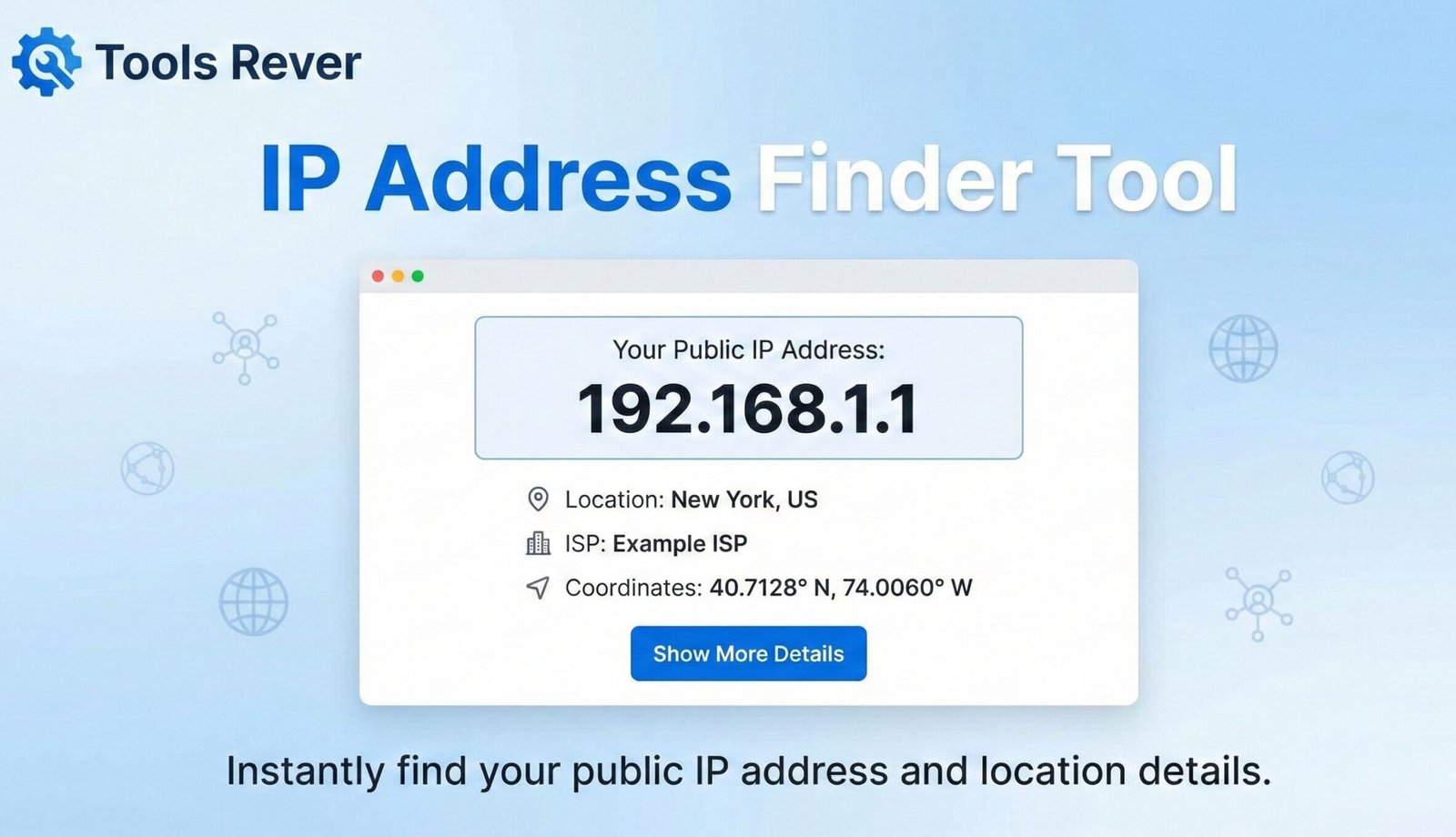
IP Address Finder
Get your public IP address and related info (approximate location, ISP).
ipapi.co free endpoint. Accuracy varies; no personal data stored.IP Address Finder: What is My IP Address? – Check Online
Find your IP address instantly! Our free IP Address Finder shows your public IPv4 & IPv6, location, ISP, and more. Essential for networking & security.
IP Address Finder: Discover Your Digital Identity in Seconds
Every time you connect to the internet, you are assigned a unique numerical label that acts as your digital home address. This is your IP (Internet Protocol) address, and it is fundamental to how the online world operates. But what is your specific IP right now? Are you using an IPv4 or IPv6 address? And what does this number reveal about your connection? An IP Address Finder is a simple, yet powerful, online tool that answers these questions instantly.
This utility displays your public-facing IP address and often provides additional details about your geographic location and Internet Service Provider (ISP). Whether you’re troubleshooting network issues, setting up a gaming server, enhancing your online security, or just satisfying your curiosity, this tool provides the critical information you need to understand your presence on the web.
What is an IP Address Finder? Your Digital Fingerprint
An IP address is a unique string of numbers (and letters, in the case of IPv6) that identifies every device connected to a computer network using the Internet Protocol. Think of it like the street address for your house; without it, the internet wouldn’t know where to send the data you request, whether it’s a website, an email, or a video stream.
There are two primary versions of IP addresses in use today:
IPv4 (Internet Protocol version 4)
This is the most common format, represented as four sets of numbers separated by dots (e.g., 192.168.1.1). The pool of available IPv4 addresses is limited to about 4.3 billion combinations, which is why the world is transitioning to IPv6.
IPv6 (Internet Protocol version 6)
This newer format was developed to address the exhaustion of IPv4 addresses. It is represented as eight groups of four hexadecimal digits separated by colons (e.g., 2001:0db8:85a3:0000:0000:8a2e:0370:7334). This system provides an almost limitless number of unique addresses.
Using our IP Address Finder tool is the fastest way to see which type of address you are currently using and what it is.
How Does an IP Address Finder Work?
When you visit our IP Address Finder tool, a straightforward but clever process unfolds:
- Connection Initiation: Your device (computer, phone, etc.) sends a request to our web server to load the tool’s page.
- Server Recognition: In order to send the webpage data back to the correct device, our server must record your device’s public IP address. This is a fundamental part of how TCP/IP, the language of the internet, works.
- Data Lookup: The tool then takes your public IP address and queries a geographical location database to find associated information, such as your city, country, and ISP.
- Instant Display: All of this gathered information is neatly displayed to you on the webpage, typically within a second.
The entire process is automatic and requires no input from you other than visiting the page. It’s one of the simplest yet most revealing tools on the internet.
Why Knowing Your IP Address is Crucial
Your IP address is more than just a number; it’s a critical piece of information for a wide range of technical and security-related tasks.
Network Troubleshooting and Setup
If you’re experiencing internet connectivity issues, providing your IP address to your ISP’s technical support is often the first step in diagnosing the problem. It’s also essential for:
- Setting up a home network: Configuring routers and port forwarding for gaming consoles or security cameras.
- Remote Access: Connecting to your home or office computer from another location.
- Hosting Servers: Running a web server, game server, or FTP server from your own network.
Online Security and Privacy Assessment
Your IP address can reveal your approximate geographical location and your Internet Service Provider. Understanding what information is exposed is the first step in protecting your privacy.
- VPN Verification: If you use a Virtual Private Network (VPN) to enhance your privacy, an IP Address Finder is the best way to confirm that your real IP address is hidden and your traffic is being routed through the VPN server.
- Detecting Suspicious Activity: If you notice unrecognized IP addresses in your server logs or network administration panels, it could indicate unauthorized access attempts.
Accessing Geo-Restricted Content
Some online services and websites restrict access based on geographic location. By knowing your public IP, you can understand why you might be blocked from certain content and take steps to resolve it if necessary.
Legal and Compliance Reasons
In cases of copyright infringement or other online activities, your IP address may be logged. Understanding what it is and how it works is important in these contexts.
What Information Can an IP Address Reveal?
When you use a comprehensive IP Address Finder, you might see several data points beyond just the numerical address.
Approximate Geographic Location
This includes your city, region, country, and sometimes even your postal code. It’s crucial to understand that this is the location of your ISP’s network node, not your precise physical address. The accuracy can vary from being spot-on to several miles away.
Internet Service Provider (ISP)
The tool identifies the company that provides your internet connection (e.g., Comcast, Verizon, AT&T).
Hostname
Sometimes, the ISP assigns a hostname to the IP address, which can provide additional clues about the network.
IP Version
The tool will clearly state whether you are using an IPv4 or IPv6 address.
Just as an IP Address Finder reveals your network identity, ensuring your visual content is properly sized is key for web performance. For that, you can use our Image Resizer tool.
Public vs. Private IP Addresses: A Critical Distinction
Understanding the difference between these two types of addresses is fundamental to networking.
Public IP Address
This is the address assigned to your entire network by your Internet Service Provider. It is the single, unique address that your router uses to communicate with the rest of the internet. This is the address that our IP Address Finder tool displays. Every website you visit sees this address.
Private IP Address
Within your home or office network (your Local Area Network or LAN), your router assigns a unique private IP address to each device (your laptop, phone, smart TV, etc.). These addresses are used for internal communication and are not routable on the public internet. They often fall within specific ranges reserved for private networks, like 192.168.x.x or 10.x.x.x.
Step-by-Step Guide: How to Use Our IP Address Finder
Using our tool is arguably the simplest task you can perform online. The information is available the moment the page loads.
Step 1: Access the Tool
Navigate to our IP Address Finder tool. You can do this from any device with a web browser and an internet connection.
Step 2: View Your Results Instantly
The tool will automatically display your public IP information without you needing to click anything. The page will load, and your details will be presented in a clear, easy-to-read format.
Step 3: Analyze the Information
A typical result will look like this:
- Your Public IPv4 Address: 203.0.113.42
- Your Public IPv6 Address: 2001:db8::8a2e:370:7334
- ISP: Example Communications Inc.
- City: New York
- Region: New York
- Country: United States
Step 4: Copy and Use
You can easily copy your IP address to use for troubleshooting, providing to tech support, or any other necessary task.
Privacy and Security: What Your IP Address Means for You
While your IP address alone does not reveal your name or exact street address, it is a piece of personally identifiable information. Websites you visit, online services you use, and advertisers can log your IP address to build a profile of your online habits and approximate location.
How to Protect Your IP Address
- Use a VPN (Virtual Private Network): A VPN encrypts your internet traffic and routes it through a server in a location of your choice, masking your real IP address with one from the VPN server.
- Use the Tor Browser: Tor anonymizes your traffic by routing it through a volunteer-operated network, concealing your location and usage from anyone conducting network surveillance.
- Use a Proxy Server: A proxy acts as an intermediary for requests from your device, hiding your original IP address.
Using our IP Address Finder is a great way to test the effectiveness of these privacy tools. Check your IP before and after connecting to a VPN to ensure it’s working correctly.
Frequently Asked Questions (FAQs)
Can someone find my exact physical address using my IP address?
Why does my IP address change?
What is the difference between my local (private) IP and my public IP?
Conclusion: Take Control of Your Digital Identity Today
Your IP address is a fundamental component of your online experience, acting as both your digital return address and a key to unlocking various network capabilities. An IP Address Finder demystifies this critical piece of information, providing immediate insight into how you are perceived on the global network. Whether for troubleshooting, security, or simple curiosity, this tool empowers you with the knowledge to navigate the internet more effectively and securely.
Stop wondering about your digital footprint. Ready to discover your unique internet identity? Use our free, instant IP Address Finder tool now and gain valuable insight into your connection, location, and ISP in a single click!