
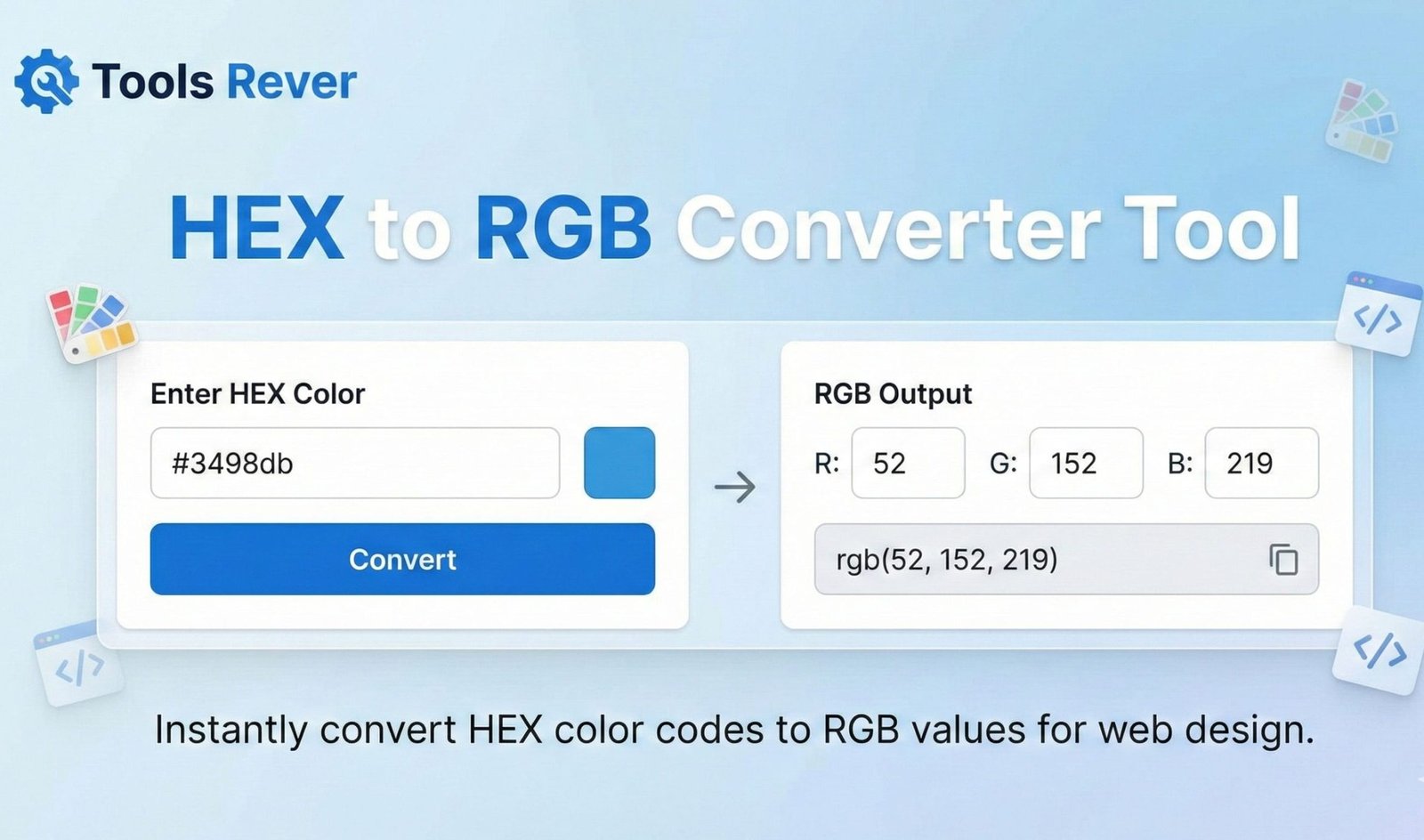
HEX to RGB Converter
About this tool: This converter allows you to quickly transform HEX color codes (#RRGGBB format) into RGB color values that can be used in CSS.
How to use: Enter a HEX color code (with or without the # symbol) and click “Convert” to see the equivalent RGB values and a preview of the color.
HEX to RGB Converter: Translate Color Codes Instantly
Convert HEX color codes to RGB values in seconds! Our free online tool ensures accurate color translation for web design, CSS, and digital projects.
HEX to RGB Converter: Bridge the Gap Between Web and Digital Color Systems
Have you ever found the perfect color on a website, only to discover it’s in HEX format when you need RGB values for your design software? Or struggled to match colors between your web CSS and your graphic design project? This common frustration stems from working across different color systems that don’t naturally communicate with each other.
A HEX to RGB Converter is the essential translator that solves this problem instantly. This specialized online tool automatically converts hexadecimal color codes into their corresponding RGB (Red, Green, Blue) values, ensuring perfect color consistency across all your digital projects. Whether you’re a web developer, graphic designer, or digital marketer, this converter eliminates the guesswork and mathematical calculations, giving you accurate color translations in milliseconds.
What is a HEX to RGB Converter and How Does It Work?
A HEX to RGB Converter is a computational tool that transforms color values from the hexadecimal format used in web development to the RGB format used in digital design and image editing. It serves as a crucial bridge between these two fundamental color systems.
The conversion process follows a precise mathematical formula:
- Input Analysis: The tool takes a 6-digit HEX code (e.g., #FF5733) and separates it into three pairs: Red (FF), Green (57), and Blue (33).
- Hexadecimal to Decimal Conversion: Each pair is converted from base-16 (hexadecimal) to base-10 (decimal) format.
- Value Scaling: The decimal values are scaled to the standard RGB range of 0-255.
- Output Generation: The tool displays the final RGB values in the format: rgb(255, 87, 51).
Using our HEX to RGB Converter automates this complex calculation, ensuring 100% accuracy and saving you from manual conversion errors.
Understanding Color Systems: HEX to RGB Converter
To appreciate why conversion is necessary, it’s crucial to understand the fundamental differences between these two color models.
The HEX to RGB Converter Color System (Hexadecimal)
HEX codes are the standard for web design and CSS. They use a 6-digit combination of numbers (0-9) and letters (A-F) preceded by a hash symbol (#). This system is essentially a hexadecimal representation of RGB values.
Structure Breakdown:
- First two digits: Red component
- Middle two digits: Green component
- Last two digits: Blue component
Each pair ranges from 00 (minimum intensity) to FF (maximum intensity in hexadecimal, equal to 255 in decimal).
The RGB Color System (Red, Green, Blue)
RGB is the fundamental color model for digital displays, photography, and graphic design software like Photoshop and Illustrator. It uses three numerical values between 0-255 to represent the intensity of each color channel.
Key Characteristics:
- rgb(0, 0, 0) produces pure black
- rgb(255, 255, 255) produces pure white
- rgb(255, 0, 0) produces pure red
According to color theory principles documented by the International Commission on Illumination (CIE), RGB is an additive color model where colors are created by combining light sources of different intensities.
Why Convert HEX to RGB? Essential Applications
The need for color conversion arises in numerous professional and personal scenarios across the digital landscape.
For Web Developers and CSS Designers
While HEX is standard in CSS, many modern CSS functions and JavaScript libraries require RGB values.
- CSS Transparency: RGB is necessary for rgba() format, which includes alpha transparency (e.g., rgba(255, 87, 51, 0.5) for 50% opacity).
- JavaScript Manipulation: Programming color animations and dynamic effects often requires RGB values for mathematical operations.
For Graphic and UI/UX Designers
Designers frequently need to translate web colors into their design software and vice versa.
- Software Compatibility: Programs like Adobe Photoshop, Illustrator, and Figma primarily use RGB values for color selection.
- Brand Consistency: Ensuring exact color matches between website implementations and marketing materials.
For Digital Marketers and Content Creators
Maintaining brand identity across platforms requires consistent color usage.
- Social Media Graphics: Converting web brand colors for use in social media templates and marketing collateral.
- Presentation Design: Using website colors in PowerPoint or Google Slides presentations.
For Accessibility and Color Analysis
Some color analysis tools and accessibility checkers provide more detailed output with RGB values, helping ensure sufficient color contrast for visually impaired users.
Key Features of a Reliable HEX to RGB Converter
A basic converter provides simple translation, but a professional tool like ours offers comprehensive features for maximum utility.
Live Color Preview
The ability to see the actual color displayed alongside the codes helps verify accuracy and makes color selection intuitive.
Multiple Input Formats
Flexibility in input handling, accepting HEX codes with or without the # prefix, and recognizing common variations.
Copy-to-Clipboard Functionality
One-click copying of the converted RGB values streamlines workflow and prevents transcription errors.
RGBa Support
Conversion to RGBa format with alpha channel support for transparency control, essential for modern web design.
Color Information Display
Some advanced converters provide additional color data like HSL values, complementary colors, and color harmonies.
Just as our HEX to RGB Converter ensures color accuracy across platforms, our Image Resizer tool helps maintain visual quality across different display sizes and contexts.
Step-by-Step Guide: How to Use Our HEX to RGB Converter
Our tool is designed for maximum simplicity and efficiency. Here’s how to convert colors in just a few seconds:
Step 1: Access the Tool
Navigate to our HEX to RGB Converter using any web browser.
Step 2: Enter Your HEX Code
Input your hexadecimal color code in the designated field. You can use formats with or without the hash:
- #FF5733
- FF5733
Step 3: Instant Conversion
The conversion happens automatically as you type, or you can press the “Convert” button for manual execution.
Step 4: Review Results
The tool displays:
- The original HEX code
- The converted RGB values
- A visual color preview
- Additional formats like RGBa
Step 5: Copy and Use
Click the “Copy” button next to the RGB values to instantly copy them to your clipboard for use in your project.
The Mathematical Foundation: How HEX to RGB Conversion Works
Understanding the underlying calculation helps appreciate the converter’s value. Let’s break down the conversion of #FF5733:
- Separate the pairs: FF (Red), 57 (Green), 33 (Blue)
- Convert each hexadecimal pair to decimal:
- FF → (15 × 16¹) + (15 × 16⁰) = 240 + 15 = 255
- 57 → (5 × 16¹) + (7 × 16⁰) = 80 + 7 = 87
- 33 → (3 × 16¹) + (3 × 16⁰) = 48 + 3 = 51
- Result: rgb(255, 87, 51)
This process demonstrates why manual conversion is error-prone and time-consuming, especially when working with multiple colors.
Common Conversion Scenarios and Examples
Web Brand Colors to Design Software
Scenario: You need to use your website’s primary brand color in a Photoshop design.
- Input HEX: #2E86AB (a blue shade)
- Converted RGB: rgb(46, 134, 171)
- Usage: Input these RGB values in Photoshop’s color picker
Creating Transparent Overlays
Scenario: You want to use your brand color at 50% opacity for a overlay effect.
- Input HEX: #FFD166 (a yellow shade)
- Converted RGBa: rgba(255, 209, 102, 0.5)
- Usage: Use this RGBA value in your CSS for transparent elements
Color Manipulation in JavaScript
Scenario: Creating a color darkening function that requires RGB components.
- Input HEX: #6A0572 (a purple shade)
- Converted RGB: rgb(106, 5, 114)
- Usage: Use these values for mathematical operations in your script
Frequently Asked Questions (FAQs)
What’s the difference between HEX and RGB color formats?
Why would I need RGB instead of HEX colors?
Can I convert RGB back to HEX with your tool?
Conclusion: Achieve Perfect Color Consistency Across All Platforms
A HEX to RGB Converter is more than just a simple translator—it’s an essential bridge that ensures color integrity across the entire digital ecosystem. By providing instant, accurate conversions between these fundamental color systems, this tool eliminates a significant pain point for designers, developers, and digital professionals. In a world where brand consistency and visual perfection are paramount, having reliable color translation at your fingertips is not just convenient—it’s professionally indispensable.
Stop manually calculating color values or risking inconsistent visuals across platforms. Ready to ensure perfect color harmony in all your projects? Use our free, instant HEX to RGB Converter tool now and bridge the gap between web and design color systems with just one click!