
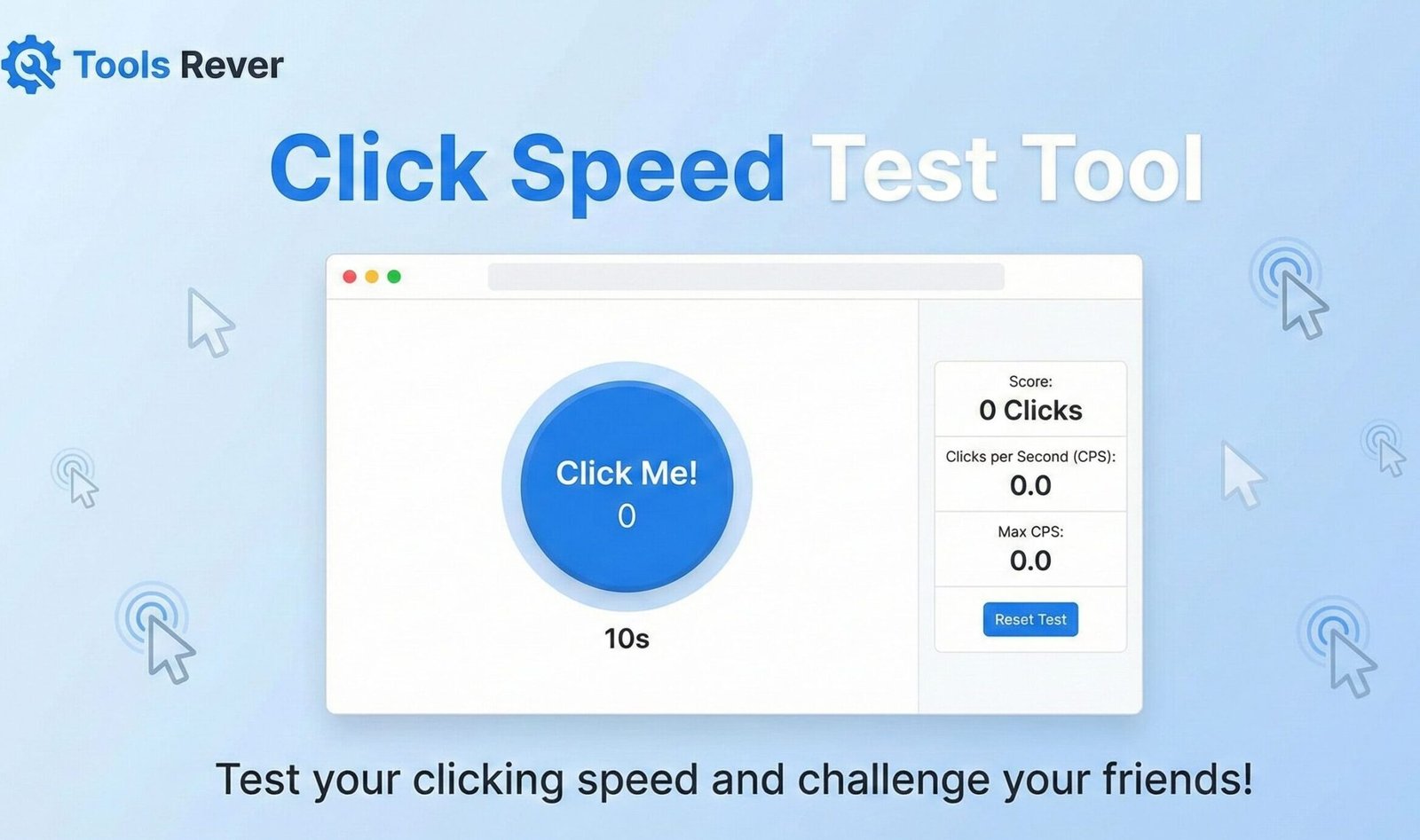
Click Speed Test
Test how fast you can click in a set time period. This tool measures your clicking speed and calculates your clicks per second (CPS). Challenge yourself or compete with friends to see who can achieve the highest clicking speed!
How to use: Choose a test duration, click “Start Test”, then click repeatedly in the designated area as quickly as possible until the timer runs out. Your results will be displayed below.
| # | Total Clicks | CPS | Duration | Date & Time |
|---|---|---|---|---|
| No test history yet. Complete a test to see your results. | ||||
- Use the tip of your finger rather than your whole hand to click
- Try alternating between two fingers
- Make sure your mouse sensitivity is set appropriately
- Practice regularly to build muscle memory
Click Speed Test: Check Your CPS Score Online
Test your clicking speed with our free Click Speed Test! Measure CPS (clicks per second) and improve your gaming performance. Challenge your friends today!
Click Speed Test: Master Your Clicking Speed and Dominate the Competition
Have you ever wondered how fast you can really click? In the world of competitive gaming, every millisecond counts, and your clicking speed can mean the difference between victory and defeat. Whether you’re a professional gamer looking to optimize performance, a student curious about your reaction time, or someone preparing for gaming tournaments, knowing your clicks per second (CPS) rate is crucial.
A Click Speed Test is the ultimate tool for measuring and improving your clicking speed. This interactive online test challenges you to click as fast as possible within a set time frame, giving you precise data about your clicking capabilities and providing valuable insights that can help you enhance your gaming skills, improve your computer efficiency, and even challenge your friends to exciting competitions.
What is a Click Speed Test and How Does It Work?
A Click Speed Test is a digital tool designed to measure how many times you can click a mouse or touchpad within a specific time period. The most common measurement is CPS (Clicks Per Second), which calculates your average clicking speed over the test duration.
The technology behind click speed tests is both sophisticated and user-friendly:
- Event Tracking: The tool uses JavaScript to track every mouse click event registered by your browser.
- Precision Timing: A high-precision timer measures exactly how long you’ve been clicking.
- Real-Time Calculation: The algorithm continuously calculates your current CPS and total clicks.
- Results Analysis: After the test, it provides detailed statistics about your performance.
Using our Click Speed Test tool gives you immediate feedback on your clicking abilities, helping you identify areas for improvement and track your progress over time.
Why Click Speed Test Matters More Than You Think
While clicking speed is crucial for gamers, its importance extends to various computer-based activities and has real-world implications.
Gaming Performance Enhancement
In competitive gaming, especially in titles like Minecraft PVP, Fortnite, and League of Legends, higher CPS provides significant advantages:
- Faster weapon switching and building
- Improved reaction times in combat situations
- Better resource gathering efficiency
- Enhanced overall game control and responsiveness
Productivity and Work Efficiency
Faster clicking can translate to better workflow efficiency in many professions:
- Data entry and spreadsheet navigation
- Graphic design and photo editing workflows
- Stock trading and financial analysis
- General computer navigation and multitasking
Cognitive and Motor Skill Development
Regular click speed testing can help improve:
- Hand-eye coordination
- Fine motor skills
- Reaction times
- Muscle memory development
According to research from the University of British Columbia, regular reaction-based activities can help maintain cognitive function and motor skills across all age groups.
Understanding CPS (Click Speed Test) Metrics
CPS is the standard measurement for clicking speed, but understanding the different aspects of this metric is key to improving your performance.
Average CPS
This is your overall clicks per second calculated by dividing total clicks by test duration. Most casual computer users score between 5-7 CPS, while experienced gamers often reach 10-15 CPS.
Peak CPS
Your highest recorded clicks in any one-second period during the test. This shows your maximum potential speed.
Consistency Score
How well you maintain your clicking speed throughout the entire test duration. High consistency is often more valuable than high peak scores in gaming scenarios.
World Records and Benchmarking
The current world record for CPS stands at 16.7 clicks per second, achieved by Dylan Allred in 2021. While most users won’t reach these levels, having benchmark goals can motivate improvement.
Key Features of an Advanced Click Speed Test
A basic test measures your speed. A comprehensive tool, like the one we provide, offers features that enhance training and analysis.
1. Multiple Time Modes
Test your speed across different durations:
- 1-Second Burst: Measures your explosive clicking power
- 5-Second Sprint: Balances speed and endurance
- 10-Second Challenge: Tests your sustained clicking ability
- 30-60 Second Endurance: Evaluates long-term consistency
2. Real-Time Performance Analytics
Watch your stats update live during the test:
- Current CPS rate
- Total clicks
- Time remaining
- Projected final score
3. Historical Tracking
Save your results and track improvement over time with detailed progress charts and personal best records.
4. Multiple Clicking Method Support
The tool recognizes and works with various clicking techniques:
- Regular clicking
- Jitter clicking
- Butterfly clicking
- Drag clicking
5. Social Sharing and Competition
Share your scores on social media, challenge friends, and compare your results with global leaderboards.
After testing your click speed, you might want to optimize your gaming setup. For perfect screenshots or streaming images, use our Image Resizer tool.
How to Use Our Click Speed Test Tool: A Step-by-Step Guide
Getting accurate results from our tool is simple and takes less than a minute.
Step 1: Access the Tool
Navigate to our Click Speed Test page. The interface loads instantly with no downloads required.
Step 2: Choose Your Test Duration
Select from available time options (1s, 5s, 10s, 30s, 60s). Beginners should start with 5 or 10 seconds to establish a baseline.
Step 3: Position Your Mouse
Ensure your mouse is comfortable and positioned correctly. Use a mouse pad for optimal tracking and reduced friction.
Step 4: Start Clicking
Click the “Start Test” button and begin clicking as fast as possible in the designated area. Focus on maintaining consistent speed throughout the test.
Step 5: Analyze Your Results
Review your CPS score, total clicks, and performance analysis. The tool provides insights into your clicking patterns and areas for improvement.
Advanced Clicking Techniques for Maximum CPS
Mastering different clicking methods can significantly increase your speed and efficiency.
Regular Clicking
The standard method using one finger:
- Average CPS: 5-7
- Best For: General computer use, casual gaming
- Technique: Use your index finger with minimal wrist movement
Jitter Clicking
A popular gaming technique involving rapid muscle vibrations:
- Average CPS: 10-14
- Best For: Minecraft PVP, FPS games
- Technique: Tense your arm and wrist muscles to create vibrations
Butterfly Clicking
Using two fingers alternately on the mouse button:
- Average CPS: 12-20
- Best For: Games requiring extreme clicking speed
- Technique: Alternate between index and middle fingers rapidly
Drag Clicking
Creating multiple clicks from a single finger drag:
- Average CPS: 20-50 (varies by mouse)
- Best For: Specific gaming scenarios
- Technique: Drag your finger while maintaining pressure
The Science Behind Clicking Speed and Reaction Time
Understanding the physiological factors that influence clicking speed can help you improve more effectively.
Neuromuscular Efficiency
Your brain’s ability to send signals to your muscles and your muscles’ capacity to respond quickly determines your maximum potential clicking speed.
Muscle Fiber Composition
Individuals with higher percentages of fast-twitch muscle fibers typically achieve higher CPS scores due to faster contraction times.
Cognitive Processing Speed
How quickly your brain processes the need to click and initiates the motor response significantly impacts your overall performance.
Age and Performance
Research shows reaction times typically peak in the early 20s and gradually decline, though regular practice can maintain performance well into later years.
Practical Applications Beyond Gaming
While gaming is the most obvious application, click speed testing has valuable uses in various fields.
Occupational Therapy
Therapists use click tests to:
- Assess motor skill recovery after injuries
- Track rehabilitation progress
- Evaluate neurological function
Job Performance Assessment
Certain professions benefit from faster clicking speeds:
- Data analysts and researchers
- Video editors and graphic designers
- Customer service representatives
- Financial traders
Educational Development
Teachers can use click tests to:
- Improve students’ computer literacy
- Develop fine motor skills in younger children
- Make learning computer skills more engaging
Equipment Optimization for Better Clicking Performance
Your hardware significantly impacts your clicking speed potential.
Mouse Selection Criteria
- Switches: Optical switches often provide faster response times
- Polling Rate: Higher rates (1000Hz) reduce input lag
- Weight: Lighter mice typically allow faster movement
- Shape: Ergonomic designs reduce fatigue during extended use
Surface and Setup Optimization
- Use a smooth, consistent mouse pad surface
- Ensure proper desk and chair height alignment
- Maintain comfortable arm and wrist positioning
- Keep equipment clean and well-maintained
Training Regimen for Click Speed Improvement
Consistent practice using scientific principles can dramatically improve your clicking performance.
Daily Practice Routine
- 5 minutes: Warm-up with regular clicking
- 10 minutes: Technique practice (focus on one method)
- 5 minutes: Speed drills (maximum effort short bursts)
- 5 minutes: Endurance training (maintaining speed over time)
Progressive Overload Principle
Gradually increase your training intensity by:
- Adding 30 seconds to your practice sessions weekly
- Increasing your target CPS by 0.5 each week
- Incorporating more challenging clicking techniques
Recovery and Prevention
- Take regular breaks during practice sessions
- Perform wrist and finger stretches
- Watch for signs of fatigue or discomfort
- Stay hydrated and maintain good overall health
Frequently Asked Questions (FAQs)
What is a good CPS score for beginners?
Can I take the click speed test on a laptop touchpad?
Is extremely fast clicking bad for my health?
Conclusion: Unleash Your Clicking Potential and Track Your Progress
A Click Speed Test is more than just a fun diversion—it’s a valuable tool for gamers, professionals, and anyone looking to improve their computer interaction skills. By providing precise measurements of your clicking capabilities, it offers insights that can enhance your gaming performance, boost your productivity, and help you understand your physical capabilities better. In today’s digital world, where mouse proficiency directly impacts efficiency and performance, knowing and improving your CPS can give you a real competitive edge.
Stop wondering how fast you can click and start measuring your true potential. Ready to test your skills and join the ranks of elite clickers? Use our free, advanced Click Speed Test tool now and discover how much speed you’ve been leaving on the table!