
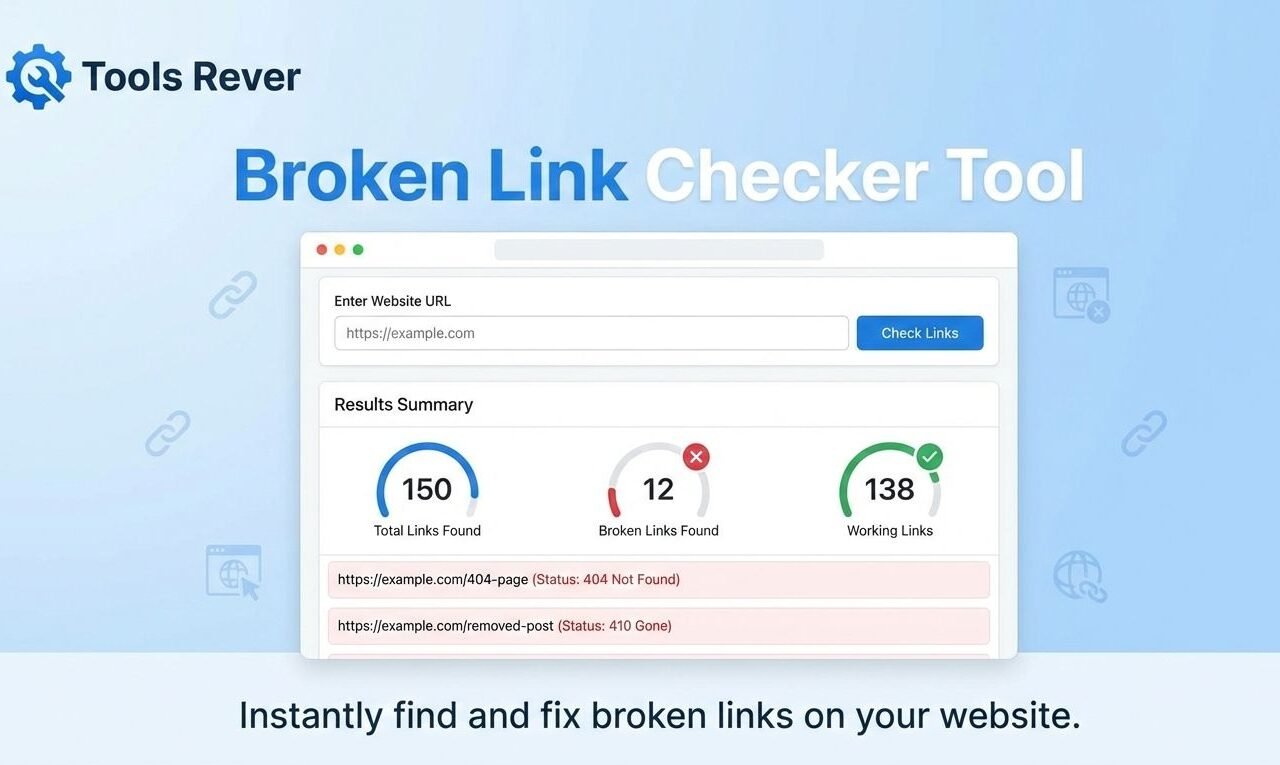
Broken Link Checker
Broken links can hurt your website’s user experience and SEO ranking. This tool helps you find and fix broken links on your website by checking the HTTP status of each link.
How to use: Enter your website URL below and click “Check Links”. The tool will scan your page for links and verify if they’re working properly.
Note: This is a demonstration tool that simulates link checking. For comprehensive website scanning, consider using dedicated SEO tools or browser extensions.
Scanning page for links… This may take a moment.
Link Check Results for:
| Link URL | Status | Link Text | Type |
|---|
| Link URL | Status | Link Text | Type |
|---|
| Link URL | Status | Link Text | Type |
|---|
Broken Link Checker: Find & Fix Dead Links Fast
Find broken links hurting your SEO! Our free Broken Link Checker scans your website for 404 errors and dead links. Improve user experience and rankings instantly.
Broken Link Checker: The Essential Guide to Finding and Fixing Dead Links
Nothing disrupts a perfect user experience quite like clicking a link and landing on a frustrating "404 Error - Page Not Found." For your visitors, it's a dead end. For search engines like Google, it's a signal of poor website maintenance. For you, it's a silent killer of credibility and organic rankings.
A Broken Link Checker is your first line of defense against this digital decay. This essential online tool automatically crawls your website to identify every broken internal and external link, giving you a clear report to fix errors, improve your site's health, and protect your hard-earned SEO value. Taking control of your link integrity is not just technical housekeeping—it's a critical strategy for building a trustworthy, user-friendly website that both visitors and search engines love.
What is a Broken Link Checker and How Does It Work?
A Broken Link Checker is a specialized software tool designed to scan your website for hyperlinks that no longer lead to their intended destination. Instead of working, these "dead links" return HTTP status errors like 404 (Not Found) or 410 (Gone).
The tool works by simulating the journey of a search engine crawler:
- Initiates a Crawl: You provide your website's URL, and the tool starts systematically visiting your web pages.
- Analyzes Every Link: It examines every hyperlink it finds—in menus, content, footers, and image tags—recording each link's destination.
- Tests the Destination: The checker attempts to access each linked URL. If the destination server returns an error code, the tool flags it.
- Generates a Report: It compiles a detailed list of all broken links, including the page where the broken link was found, the faulty URL itself, and the type of error encountered.
Using our Broken Link Checker automates a process that would be impossibly tedious to do manually, saving you hours of work and ensuring no broken link goes unnoticed.
Why Broken Link Checker Are a Silent Threat to Your Website
Ignoring broken links can have serious consequences for your website's performance and reputation. The impact goes far beyond a single frustrated user.
They Devastate User Experience (UX) and Credibility
Your website's links are promises. A broken link is a broken promise. When users encounter them, it creates frustration, breaks their browsing flow, and erodes their trust in your site's reliability. This often leads to higher bounce rates and lost conversions, as visitors are unlikely to stay on a site that feels broken or poorly maintained .
They Harm Your Search Engine Optimization (SEO)
Search engines like Google aim to direct users to high-quality, functional websites. A site littered with broken links signals poor upkeep and a negative user experience, which can negatively impact your search rankings . Furthermore, broken internal links waste "crawl budget," meaning search engines spend time on error pages instead of discovering and indexing your valuable content . They also disrupt the flow of "link equity" (or PageRank) through your site, preventing authority from passing to your important pages .
They Represent Wasted Opportunities and Revenue
Every broken link is a missed opportunity. It could be a link that should be guiding a user to a product page, a sign-up form, or a key piece of content. For e-commerce sites, a single broken link in the checkout process can directly lead to lost sales .
Just as a Broken Link Checker ensures your website's pathways are clear, our Image Resizer tool ensures your visual content is perfectly formatted for every visitor.
How to Use Our Broken Link Checker: A Step-by-Step Guide
Our tool is designed for maximum efficiency and ease of use. You can get a comprehensive report on your site's link health in just a few minutes.
- Enter Your Website URL: Navigate to our Broken Link Checker tool and input your full website address (e.g.,
www.toolsriver.online) into the main field. - Configure Your Scan (Optional): Some tools allow you to set scanning depth or focus on specific types of links. Our tool is optimized for a comprehensive scan by default.
- Initiate the Scan: Click the "Check for Broken Links," "Scan Website," or similar button to start the automated crawling process.
- Review the Report: Once the scan is complete, you'll receive a detailed report. This typically includes:
- The URL of the broken link.
- The specific error code (e.g., 404, 500).
- The "source" URL—the page on your site where the broken link is located.
- The anchor text used for the link.
- Export and Act: For larger sites, you can often export this report to a CSV or Excel file for easier management and tracking.
Your Action Plan: How to Fix Broken Link Checker
Finding broken links is only half the battle. The next crucial step is fixing them. Here are the most effective strategies.
Update the Link
If the target page still exists but has a new URL (for example, you've updated a blog post's permalink), the simplest solution is to correct the link on the source page to point to the correct, active URL.
Implement a 301 Redirect
If a page has been permanently moved or deleted, but a suitable alternative page exists, set up a 301 redirect. This automatically sends both users and search engines to the new, relevant page, preserving a large portion of the link equity . This is a fundamental best practice in website management.
Remove the Link Entirely
If the linked content is gone and there is no suitable replacement page on your site or elsewhere, the best course of action is to simply remove the hyperlink. It's better to have no link than a broken one.
For External Links: Find a New Source
When a link to an external website is broken, search for a new, authoritative source that covers the same topic and update your link to point there. If you can't find a good replacement, remove the link.
Top Features of a Professional-Grade Broken Link Checker
Not all checkers are created equal. A robust tool, like the one we provide, offers a suite of features designed for thoroughness and efficiency.
- Comprehensive Scanning: It checks all types of links—internal, external, images, and scripts—across your entire site .
- Detailed Error Reporting: It provides specific HTTP status codes (404, 403, 500, etc.) and pinpoints the exact location of each broken link .
- User-Friendly Interface: The results are presented in a clear, easy-to-understand dashboard, making it simple to identify and prioritize fixes .
- No Software Installation: As a web-based tool, it works on any device with a browser, requiring no complex downloads or setup .
Frequently Asked Questions (FAQs)
What's the difference between an internal and external broken link?
How often should I check my website for broken links?
Can a few broken links really hurt my SEO?
Conclusion: Take Control of Your Website's Health Today
Broken links are an inevitable part of maintaining a website, but they don't have to control your site's destiny. A Broken Link Checker empowers you to proactively manage your site's integrity, ensuring a seamless journey for every visitor and sending positive signals to search engines. The process of finding and fixing broken links is one of the highest-ROI activities in SEO and website maintenance—it directly enhances usability, preserves your rankings, and reinforces your site's credibility.
Stop letting broken links damage your hard work. Ready to clean up your website? Use our free, powerful Broken Link Checker tool now to identify and fix dead links, and start building a faster, more reliable, and more trustworthy website today.